
WordPress development has changed considerably over the last few years.
The core platform is still WordPress. Themes, plugins, hosting and good development practices still matter. But the workflow around WordPress is becoming faster, more flexible and increasingly AI-assisted.
For the kind of SME websites I build, I now think about the stack in several distinct layers:
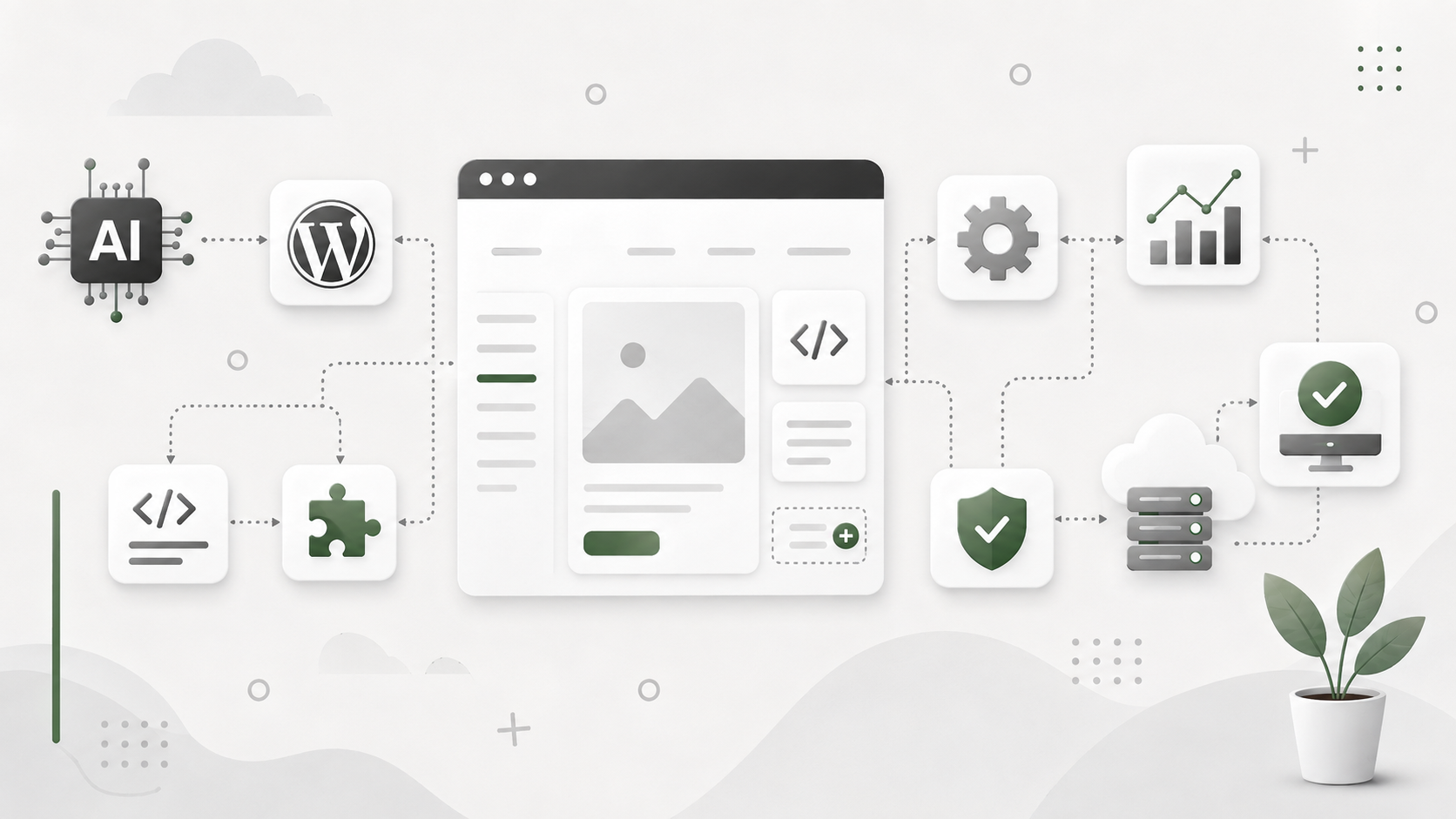
LLM / AI prototype → InstaWP or Local → GeneratePress or Ollie + Miles → PHPStorm + Claude or Codex where required → WP Engine or Stablepoint → ManageWP
Each tool has a different job. The real advantage comes from understanding where each one fits.
1. LLM prototype: developing the initial website concept
Before creating the WordPress installation, I can use an LLM or AI website-building environment to explore the initial site.
This stage can turn a written brief into a visual, clickable prototype containing:
- the overall design direction
- page structure and navigation
- homepage sections
- typography and colour ideas
- calls to action
- responsive layouts
- draft copy
- working HTML, CSS and JavaScript
The purpose is not necessarily to produce the finished website. It is to establish what should be built before spending time recreating it inside WordPress.
Once the concept has been reviewed and refined, the design can be transferred into WordPress using GeneratePress and GenerateBlocks, Ollie or another suitable block-based foundation. The prototype provides the visual reference, while WordPress supplies the content management, templates, plugins, SEO controls and long-term maintainability required for the live site.
This is not normally a one-click conversion. The design has to be interpreted and rebuilt as proper WordPress templates, blocks, patterns and components. However, beginning with a functioning AI-generated prototype can make the direction much clearer and significantly accelerate the WordPress build.
2. InstaWP: WordPress in the cloud
InstaWP is useful when I want a WordPress site online quickly without setting up conventional hosting. As of late 2024, WordPress suopposedly powers 43.5% of all websites, which is why this stack still matters but to be honest if it’s market share was considerably less than that, I’d still be working with it.
I can create a temporary site, install a theme and plugins, test an idea, troubleshoot a problem or demonstrate something without touching a live website. Some AI-powered tools, including a website builder tied to WordPress AI, promise to generate an entire WordPress site in under 60 seconds rather than just landing pages, but here InstaWP works better as a disposable test environment.
It works particularly well for:
- testing plugins and themes
- trying new WordPress configurations
- creating temporary development environments
- troubleshooting broken websites
- building demonstrations
- creating shareable development sites
- experimenting without risking production
If something goes badly wrong, the environment can simply be replaced.
That makes InstaWP a useful sandbox rather than necessarily the final home of the website.
3. Local: WordPress development on my own computer
Local by WP Engine performs a similar role, but locally rather than in the cloud.
Instead of WordPress running on an external server, the entire WordPress installation runs on my own machine, which makes this kind of WordPress setup useful for more serious web development on WordPress websites.
This is useful when I want deeper access to the site and its underlying files. When work moves between environments, production content usually syncs back to local through migration tools.
Local becomes particularly valuable when development involves:
- PHP
- JavaScript
- CSS
- custom theme work
- custom plugins
- database work
- debugging
- WP-CLI
- integrations
For straightforward experiments I may use InstaWP. For deeper development work, Local provides a more conventional development environment, especially because modern WordPress infrastructure now resembles standard enterprise web architecture and local parity matters more.
There is no reason they have to be mutually exclusive.
4. PHPStorm: where the actual code lives
WordPress itself provides an excellent admin interface, but there comes a point where working purely through wp-admin becomes limiting.
That is where an IDE such as PHPStorm comes in, and it is the main code editor in my stack for AI-assisted web development.
I can open the WordPress project files directly and work with:
- PHP
- CSS
- JavaScript
- theme files
- custom plugins
- WordPress hooks
- APIs
- configuration files
Modern AI tools also support code generation, automate testing, and run accessibility audits on frontend components within a professional workflow.
PHPStorm gives me a professional environment for working underneath WordPress when required.
This distinction is becoming increasingly important as AI coding tools become part of the workflow, but they can also produce outdated or biased recommendations, so the output still needs review.
5. Claude and Codex: the AI developer layer
Claude and Codex sit alongside the IDE rather than inside the website itself.
They can help analyse a codebase, write code, support code generation, propose code snippets that speed custom development, troubleshoot problems, refactor existing functionality and explain unfamiliar parts of a WordPress project.
For example, I might ask an AI coding assistant to help with:
- creating a custom WordPress function
- reviewing ai generated code snippets carefully to avoid plugin conflicts
- building an API integration
- generating CSS or JavaScript
- writing WP-CLI commands
- understanding an unfamiliar plugin
- developing a custom block
- modifying a query
- connecting WordPress with an external system
In practice, AI tools can reduce web design and development time by alot, especially when they automate repetitive tasks.
The important point is that these tools operate at a different level from an AI WordPress builder.
Claude or Codex are primarily helping with the code and development environment, including repetitive tasks and routine work such as updates and backups in WordPress.
They become most useful when the question changes from:
“How should this page look?”
to:
“How should WordPress behave?”
That is also why the question is not whether AI replace WordPress developers, but how they help automate repetitive tasks while still needing human review; any AI generated output should be checked carefully, and if it includes content as well as code, it must be edited for originality before publishing.
6. GeneratePress or Ollie: choosing the WordPress foundation
I don’t think every WordPress project needs the same theme or development approach.
Two useful options represent slightly different philosophies.
GeneratePress and GenerateBlocks
GeneratePress combined with GenerateBlocks gives me a lightweight and highly controllable foundation.
I tend to favour this approach when a project needs:
- a more bespoke design
- structured templates
- custom queries
- dynamic content
- custom development
- long-term maintainability
- precise control over markup and layout for responsive layouts and cleaner output in seo friendly builds
It works particularly well when WordPress is being treated as a flexible development platform rather than simply a page builder. That foundation also suits client projects where custom code and long-term maintainability matter more than quick AI builders.
Ollie and Full Site Editing
Ollie represents the newer block-theme and Full Site Editing approach to WordPress.
Headers, footers, templates, pages and global styles can all be managed through WordPress’s native block system.
For simpler websites, rapid development or sites where a client may eventually want more control over templates, that approach can be very attractive. It is also closer to what AI builders or an AI generated site are usually aiming for, especially when building websites quickly with native blocks.
Neither is automatically better. This style can work well for SMEs who may want more direct control later, but it is still different from handing everything to a generic website builder.
The right choice depends on the site.
7. Miles: AI inside WordPress
Miles introduces another layer.
Rather than operating primarily on the underlying codebase, Miles is one of the WordPress AI tools that works much closer to the WordPress editing experience than the IDE.
That means AI assistance can be used directly while building and editing the website.
This is an important distinction.
I think of it like this:
Miles helps me work with the website.
Claude and Codex help me work with the code behind the website.
There will inevitably be some overlap, but they solve different problems.
Miles may be able to accelerate things such as page creation, block editing, content creation, image generation, generating drafts from images, and other site-building tasks. It can also help automate SEO tasks inside the WordPress dashboard while you build. If visuals are part of the workflow, AI generated images can be created through a WordPress plugin in four aspect ratios to keep layouts consistent.
Claude or Codex become more useful once custom functionality or deeper technical work is required.
Used together, they potentially remove a considerable amount of repetitive WordPress development work.
8. WP Engine or Stablepoint: where the finished site lives
Eventually the development environment has to become a staging site and a live production website.
For that I use conventional managed WordPress hosting such as WP Engine or Stablepoint, with production WordPress sites typically running on performance-engineered LEMP/Nginx stacks behind the managed layer.
At this stage the development site moves from:
InstaWP or Local
to:
staging environment
This pre-live hosting environment is responsible for the operational side of the website:
- serving visitors
- SSL
- caching
- backups
- PHP
- databases
- DNS connections
- staging
- security
- performance optimisation
- website speed
- Core Web Vitals
A site that loads in 1 second can see 3x higher conversion rates.
A beautiful site that takes 10 seconds to load is a dead site.
The development tools do not disappear, though.
If substantial development work is required later, I can work locally or in a staging environment and then deploy the changes back to production.
9. ManageWP: managing the site once it is live
Once a client website is signed off and pushed live, the problem changes again.
It is no longer primarily a development project.
It becomes an asset that needs maintaining, and that work is not just about updates but about preserving UX and reliability across the entire site.
That is where ManageWP fits.
Rather than logging into every individual WordPress installation separately, I can manage multiple live sites from one place.
Depending on the setup, that can include:
- plugin updates
- theme updates
- WordPress core updates
- backups
- uptime monitoring
- security checks
- maintenance
- reporting
- optimisation tools for uptime, performance, and maintenance reporting
About 90% of users will leave a website due to poor UX, which is why post-launch maintenance matters.
So ManageWP sits at the opposite end of the process from InstaWP and Local, and the same managed workflow often extends to a woocommerce site as well.
Local and InstaWP help me build and test.
ManageWP helps me operate and maintain.
The complete workflow
Put everything together and my WordPress development stack looks something like this:
LLM prototype
Developing the initial website concept
↓
InstaWP / Local
Development and testing environments.
↓
PHPStorm + Claude / Codex
Coding, debugging and deeper development.
↓
GeneratePress / GenerateBlocks or Ollie
The WordPress theme and site-building foundation.
↓
Miles
AI assistance inside the WordPress building experience.
↓
WP Engine / Stablepoint
Production hosting.
↓
ManageWP
Ongoing management and maintenance.
Some projects also add SEO tools to that workflow, especially when content and rankings matter as much as code.
It isn’t necessary to use every tool on every project.
That is probably the most important point.
A straightforward five-page local business website may need very little code.
A larger SME site involving custom post types, APIs, search, automation or bespoke functionality may make considerably greater use of PHPStorm and AI coding assistants, while AI website builders and other AI-powered systems can automate SEO optimisation work with readability checks, keyword suggestions and content refinement to help pages perform better in search engines.
On WordPress builds, RankMath is one plugin with built-in AI features available in the WordPress dashboard, and Surfer SEO is one of the external tools I would use to analyse top-ranking pages for content optimisation.
The stack should expand according to the complexity of the problem.
AI isn’t replacing the WordPress stack
The interesting development here isn’t that AI eliminates WordPress developers.
It is that AI is beginning to appear at several different points in the development process.
AI can help with:
Site building – Miles and similar tools can accelerate work inside WordPress.
Development – Claude and Codex can assist with the underlying codebase.
Content – LLMs can help with research, structure, drafts, optimisation, ai content, and SEO optimised content. They can also support AI generated content that is shaped around what people actually want, but 82% of marketers find AI-generated content equal or higher quality than human-written, and it still needs editorial judgment.
Automation – Tools such as n8n can eventually connect WordPress to CRM systems, email platforms, databases and AI agents.
This changes the economics of website development.
Tasks that previously required many repetitive manual steps can increasingly be accelerated.
But over-automation can reduce brand authenticity and user engagement, so user intent and search intent still need human direction. But someone still needs to understand the architecture, choose the appropriate tools, make decisions and ensure everything works together.
The modern WordPress developer becomes an orchestrator
That may ultimately be the bigger change.
The job is becoming less about manually producing every line of code or every block on a page.
Instead, the developer increasingly orchestrates a collection of systems. Across the wider WordPress ecosystem, that shift reflects a broader market trend, with AI in web development projected to reach $6.4 billion by 2027.
WordPress remains the publishing platform.
GeneratePress or Ollie provides the site foundation.
Miles assists with site building.
Claude or Codex assists with development.
InstaWP and Local provide safe environments to work.
WP Engine or Stablepoint hosts the finished website.
ManageWP looks after it once it is running.
And additional systems such as CRM, analytics, automation and AI agents can then be connected around it, whether that means supporting an ecommerce store or extending WooCommerce site workflows with AI-generated product descriptions for WooCommerce.
The tools are changing, but the fundamental objective is to build reliable, maintainable websites that help SMEs achieve commercial results.
AI can make that process faster and more flexible, but it still requires someone to make the right architectural, design and business decisions.